Google Search Console: The Free Tool That Finds Your Website's Hidden Problems
You have a free tool from Google that tells you exactly what is wrong with your website, what your customers are typing to find you, and whether Google can even see your pages. Most small business owners have never logged into it. That tool is Google Search Console, and if you are not using it, you are flying blind.
It is not a traffic dashboard like Google Analytics. It is a diagnostic tool that shows you how Google interacts with your site. That makes it more valuable for fixing problems than tracking vanity numbers.
What Google Search Console Actually Shows You
Once you verify your site, Search Console gives you data you cannot get anywhere else. Here are the three most useful sections for a busy business owner.
The Exact Words People Type to Find You
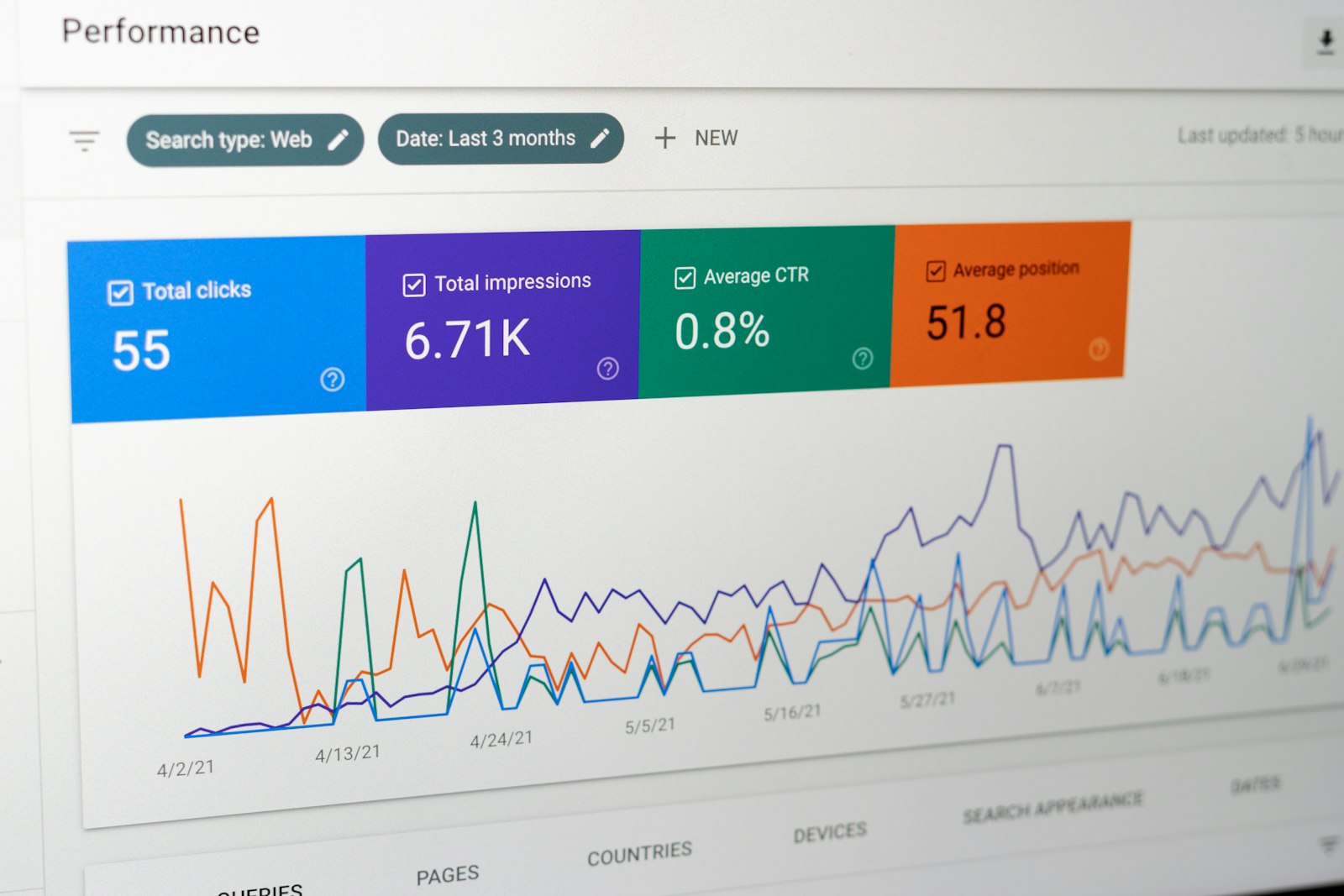
The Performance report shows every search query that triggered your website in Google results. You will see:
- Queries — the actual words and phrases people type
- Clicks — how many times someone clicked your site
- Impressions — how many times you showed up in results
- Average position — where you typically rank for that query
This is gold. You might discover people are searching for a service you offer but never mention on your homepage. Or you might see you rank #11 for a high-intent phrase — one small content push could get you onto page one.
Pages Google Cannot See or Index
The Coverage report tells you which pages Google has indexed and which ones it has problems with. Look for:
- Excluded pages — URLs Google knows about but chose not to index
- Errors — broken redirects, server errors, or crawl issues
- Valid with warnings — pages that are indexed but have problems
A common issue is pages blocked by robots.txt or missing canonical tags. If you have 50 service pages but only 30 are indexed, you are invisible for the other 20.
Mobile and Speed Issues That Cost You Rankings
The Mobile Usability and Core Web Vitals reports flag pages that load slowly or break on phones. Google uses these as ranking signals. If your contact page takes four seconds to load on mobile, Google knows, and it hurts you.
The 3 Reports You Should Check Monthly
You do not need to live in Search Console. Spend 15 minutes once a month checking these three things:
- Performance → Queries — Look for queries with high impressions but low clicks. These are opportunities. If you rank #12 for "emergency plumber near me," write a targeted page or update an existing one.
- Coverage → Excluded — If your total indexed pages drops suddenly, investigate. A drop usually means a technical issue or a redesign that broke your URLs.
- Experience → Core Web Vitals — If pages show "Poor" or "Needs Improvement," fix them. Compress images, remove render-blocking scripts, or switch to a faster host.
How to Turn Data Into Action
Data is useless if you do not act on it. Here is a simple workflow:
- Find a query in the Performance report with 100+ impressions but fewer than 5 clicks. Check the page that ranks for it. Is the title boring? Is the meta description missing a clear reason to click? Rewrite both.
- Find an excluded page that should be indexed. Submit it for re-indexing using the URL Inspection tool and fix the underlying issue.
- Find a page with poor mobile usability. Usually it is text too small, clickable elements too close together, or content wider than the screen. These are quick CSS fixes.
Setup Takes Five Minutes
If you have not set up Search Console yet, do it today. Go to search.google.com/search-console, add your domain, and verify ownership via your domain registrar or by adding a small HTML file to your site. If you use WordPress or a managed platform, there is usually a plugin or one-click integration.
Once verified, submit your sitemap.xml file so Google knows about every page you want indexed. Then wait 48 hours for data to start populating.
Bottom Line
Google Search Console is not optional for a business that depends on being found online. It costs nothing, takes minutes to set up, and reveals problems that are silently costing you leads every day. Start with the Performance and Coverage reports. Fix one issue per month. In six months, you will have a healthier site and more organic traffic than competitors who are still guessing.
Want help making sense of your Search Console data or fixing the issues it uncovers? Book a free intro call and we will walk through your site together — no pitch, just practical next steps.
Share this article
Ready to elevate your online presence?
Let CBX Solutions help you build a website that drives results.
Get a Free Consultation